☰
How to Order:
- Please fill in your name and address on the front page.
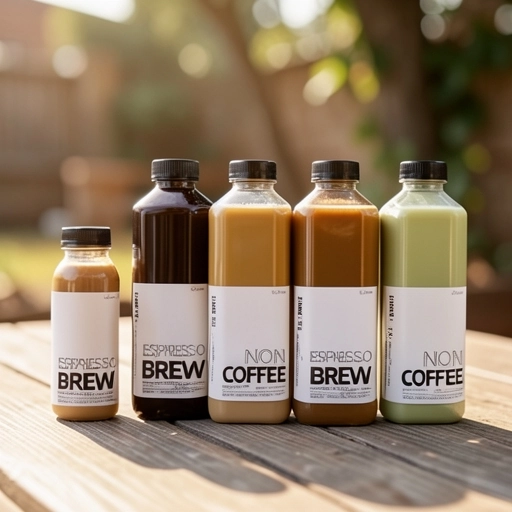
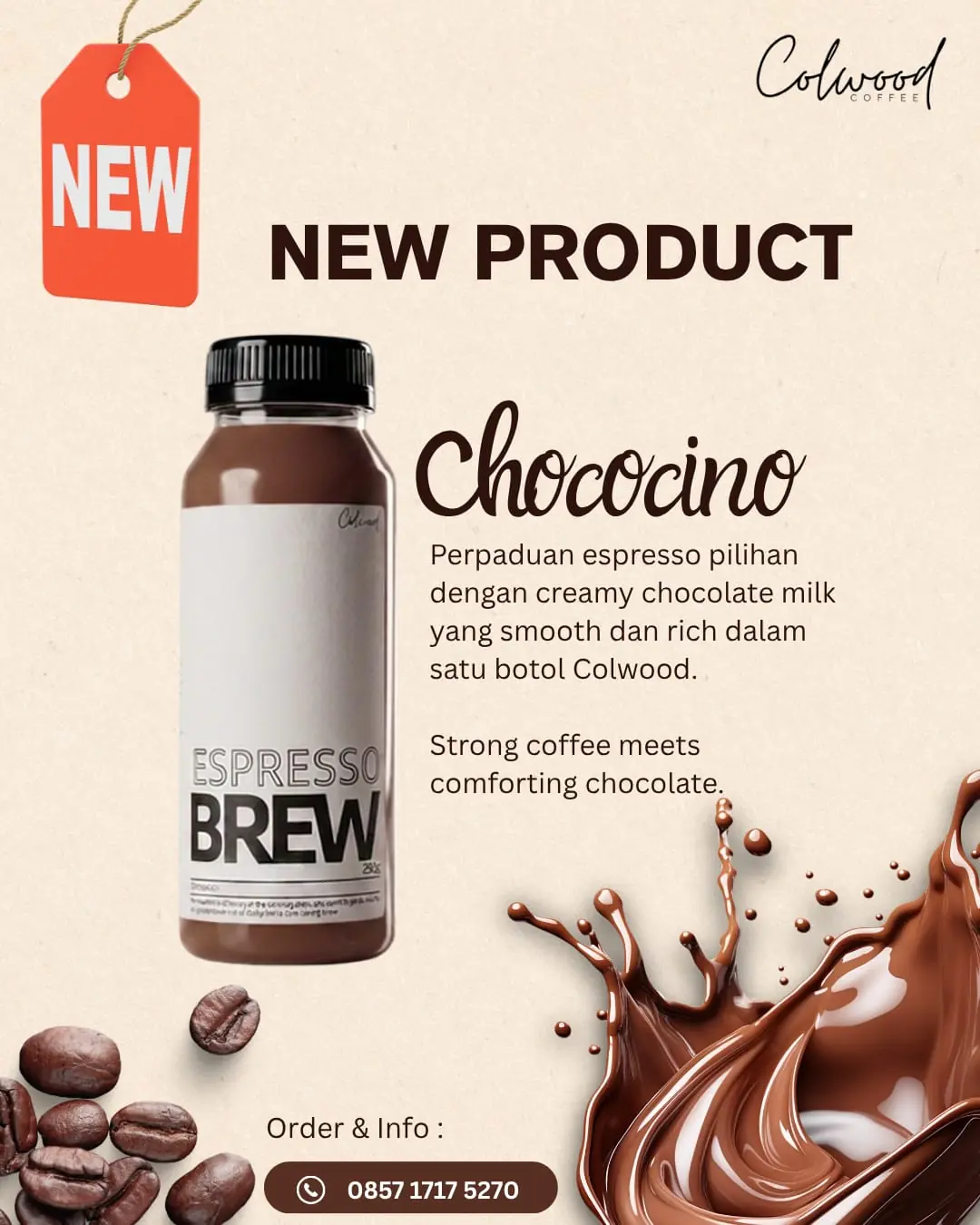
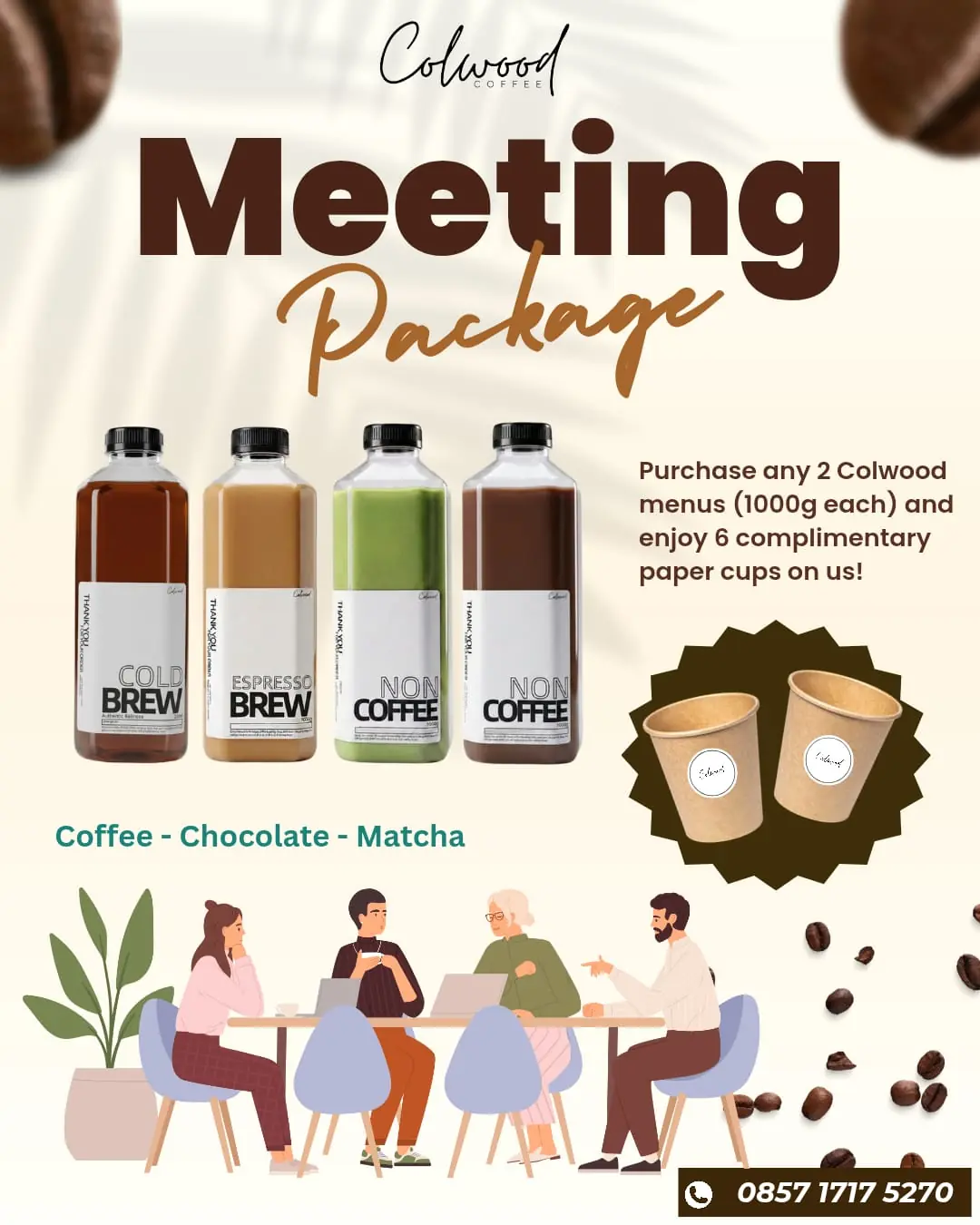
- Please select your favorite Coffee or NonCoffee menu.
- Please select the Size and Quantity you prefer.
- Click the Order button at the bottom only after you have finished selecting all the products you want, even if they are on different pages. Do not click the Order button until you are completely done choosing your items.
- Your order will be automatically forwarded to Colwood’s WhatsApp page to be sent and confirmed.
- Do not use the back button on your device. Please navigate between pages using the side navigation buttons.
- For details on ordering, shipping, and other terms, please see our Terms & Conditions.